
A medical emergency away from home quickly becomes disorienting. If you fall ill on a remote trail, get injured in an unfamiliar city, or end up separated from your group, first responders need immediate answers. Paramedics cannot unlock your smartphone to look up your allergies, and foreign hospital staff cannot decipher a vague list of brand-name medications.
Preparing an emergency contact and health information sheet before departure takes less than an hour and eliminates critical delays when minutes count. This guide outlines exactly what medical information to include, how to structure the document for rapid scanning, how to configure native smartphone emergency profiles, and how to distribute physical and digital backups.

Step 1: Gather Your Essential Medical Details
When writing a medical summary for emergency personnel, clarity overrides exhaustiveness. Paramedics need actionable facts that guide acute treatment decisions and prevent lethal drug interactions.
According to the CDC Yellow Book guidance for travelers with chronic illnesses, carrying an updated record of your medical conditions, generic medication names, precise dosages, and blood type is vital before departure.
Collect the following data points:
- Primary Identifying Information: Full legal name (matching your passport or government photo ID), date of birth, nationality, and primary spoken languages.
- Blood Type: Specify ABO group and Rh factor (e.g., O-Positive), if known.
- Severe Allergies & Adverse Reactions: List drug allergies (such as penicillin or sulfa drugs), severe food allergies, insect venom sensitivities, and latex allergies. Always state the typical reaction (e.g., "Anaphylaxis: carries EpiPen").
- Active Medical Conditions: Document ongoing conditions that alter triage decisions, such as type 1 diabetes, epilepsy, cardiac arrhythmias, asthma, or previous organ transplants.
- Implanted Medical Devices: List pacemakers, coronary stents, insulin pumps, joint replacements, or neurostimulators, including manufacturer names and device IDs where applicable.
- Current Prescriptions (Generic Names & Dosages): Brand names vary across borders. Paramedics in Japan or France will not recognize regional commercial brand names, but they will recognize international generic names like levothyroxine or metformin. Note the exact milligram strength and daily dosing schedule.
- Primary Physician Contact: Full name, clinic affiliation, and international direct-dial telephone number.
Planning Note: The CDC also recommends carrying extra medication in carry-on baggage to guard against unexpected transit delays and checking destination laws regarding controlled substances with the host nation's embassy in advance.

Step 2: Establish Primary and Out-of-Area Contacts
Not every contact serves the same purpose during a travel crisis. Federal disaster planning guidelines from the FEMA Ready.gov emergency plan framework recommend designating an out-of-town emergency contact who is less likely to be impacted by localized regional disruptions, alongside local travel companions.
Structure your contact section into three distinct tiers:
1. In-Country Travel Companion
If you are traveling with a partner, family member, or colleague, list their legal name, relationship, local mobile number, messaging app handles, and temporary accommodation details (hotel name and room number).
2. Primary Out-of-Area Emergency Contact
Designate a trusted relative or friend who remains at home. Provide their full name, relationship, primary mobile phone, landline or work phone, and email address. Ensure this person holds physical or secure digital copies of your passport, travel insurance policy, and itinerary.
3. Diplomatic & Institutional Support
For international trips, the U.S. Department of State advises travelers on its International Traveler's Checklist to keep contact details for the nearest U.S. embassy or consulate accessible. They also maintain dedicated consular assistance lines for Overseas Citizens Services (+1 202-501-4444 from abroad, or 888-407-4747 from the U.S. and Canada). Non-U.S. travelers should substitute their respective foreign ministry or consular emergency desks.
Step 3: Use a Standardized Print Template
A functional emergency sheet must fit on a single page or a wallet-sized card that can be folded into a passport sleeve. Use this worked layout as a reference:
=======================================================
TRAVEL EMERGENCY CONTACT & MEDICAL SUMMARY
=======================================================
FULL LEGAL NAME: Jane Elizabeth Doe
DATE OF BIRTH: 14 May 1988 | NATIONALITY: United States
PASSPORT NO: (Keep separate or list last 4 digits: ****1234)
PRIMARY LANGUAGE: English | SECONDARY: Conversational Spanish
BLOOD TYPE: A-Positive (A+)

CRITICAL MEDICAL ALERTS:
- Severe Anaphylactic Allergy: Peanuts / Tree Nuts (Carries EpiPen in daypack)
- Type 1 Diabetes (Insulin pump attached, right abdomen)

CURRENT MEDICATIONS (GENERIC):
1. Insulin Lispro (Humalog) - Subcutaneous via pump, variable basal/bolus
2. Levothyroxine - 75 mcg orally every morning

PRIMARY EMERGENCY CONTACT (HOME):
- Name: Michael Doe (Brother)
- Relationship: Sibling / Health Proxy
- Mobile (Intl format): +1-555-019-2834
- Email: michael.doe.sample@example.com
- Location: Chicago, Illinois, USA

LOCAL / TRAVEL COMPANION CONTACT:
- Name: Sarah Smith (Colleague)
- Hotel: Grand Central Hotel, Madrid, Spain (Room 412)
- Mobile: +34-600-000-000

TRAVEL INSURANCE & ASSISTANCE:
- Insurer: Global Travel Care Policy #GT-99281-X
- 24/7 International Emergency Assist Collect Hotline: +1-317-555-0140

CONSULAR SUPPORT:
- U.S. Embassy Madrid: +34-91-587-2200
=======================================================
Keep physical copies laminated or stored inside a waterproof zip pouch. Place one copy in your wallet behind your primary identification, one inside your passport holder, and an additional copy in the outer pocket of your carry-on luggage.

Step 4: Configure Native Smartphone Lock Screen Bypasses
While paper documents protect you when devices lose power, first responders frequently look at a patient's locked phone first. Modern mobile operating systems allow medical personnel to view critical data and dial designated contacts without requiring your passcode, fingerprint, or facial recognition.
Configuring iOS (Apple iPhone)
To set up your device, follow Apple's documented process to set up Medical ID in the Health app:
- Open the Health app on your iPhone and tap your profile picture or initials.
- Tap Medical ID, then select Edit.
- Enter your birth date, medical conditions, medications, adverse reactions, and blood type.
- Scroll to Emergency Contacts and select individuals from your contacts list, defining your relationship.
- Enable Show When Locked. This allows anyone to tap Emergency on your passcode screen, then tap Medical ID to read your vital details and call your emergency contacts.
Configuring Android Devices
On Android, you can configure your vital details using the native settings detailed by Google Android Help for emergency support:
- Open Settings on your phone.
- Tap Safety & emergency (or About phone > Emergency information, depending on your device manufacturer).
- Select Medical information to enter blood type, allergies, medications, and general notes.
- Select Emergency contacts to link trusted individuals.
- Confirm that Show on lock screen is turned on. First responders can access this information by swiping up on the locked screen, tapping Emergency call, and selecting Emergency info.
Verification Tip: Once configured, test the screen lock display immediately by locking your phone and confirming you can access the emergency card from the locked keypad without unlocking the phone.
Step 5: Store and Share Digital Backups Responsibly
Beyond your pocket and phone lock screen, your emergency information should be accessible to your designated home contact and readily retrievable if your physical belongings are stolen.
- Store Secure Document Copies: Take a clean photo or PDF scan of your completed sheet and your travel medical insurance policy. Store it in a secure cloud drive or personal repository accessible from any web browser.
- Share with Your Home Anchor: Email the document to your primary emergency contact alongside your complete travel itinerary, accommodation addresses, and copies of your passport identification page. Ensure they know who to call if they fail to hear from you within a prearranged window.
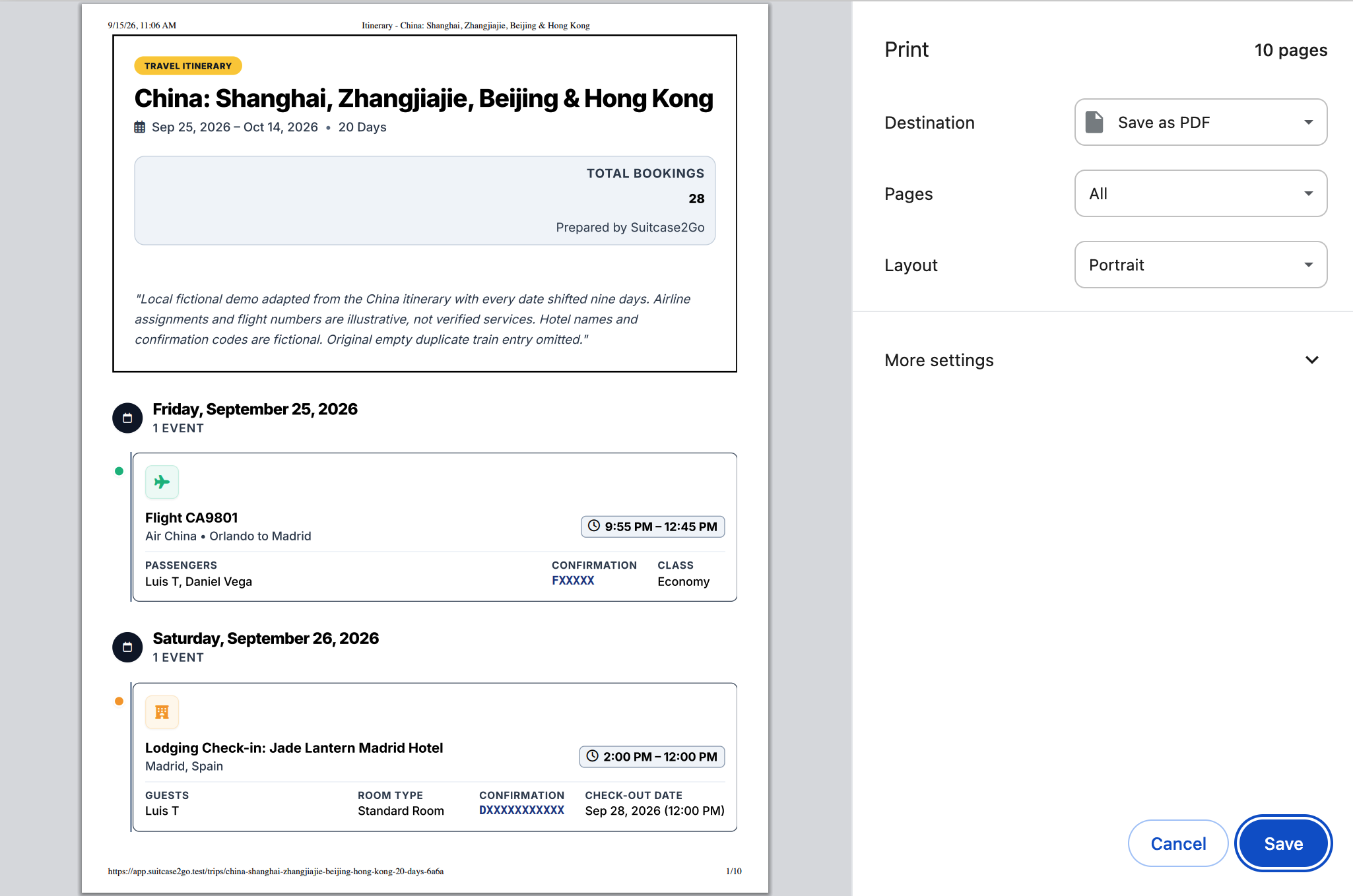
- Organize Travel Details in One Place: Having your daily stays, emergency numbers, and transit plans organized makes sharing with family seamless. Using a planning hub like Suitcase2Go allows you to keep flight schedules, lodging confirmations, and daily itineraries organized together, making it straightforward to print clean itineraries or share trip plans with family back home before departure.
Summary Checklist: Pre-Departure Emergency Readiness
Before heading to the airport or station, complete this final verification checklist:
- Review Drug Names: Are all medications listed by their generic chemical names rather than regional commercial brand names?
- Include Dosing Schedules: Did you record your exact dosages and any life-saving medical devices?
- Format Phone Numbers: Are all contact phone numbers written with their full international country dialing codes (e.g.,
+1for the U.S. and Canada,+44for the UK)? - Check Mobile Lock Screens: Can someone access your Medical ID or Android Emergency Information directly from the locked keypad without biometric authorization?
- Distribute Paper Copies: Do you have one printed emergency card in your wallet and one packed in your personal daypack?
- Brief Your Emergency Contact: Does your designated contact at home have an electronic copy of your sheet and know your primary travel insurance policy number?
Taking sixty minutes to organize these details transforms an overwhelming overseas emergency into a managed situation, giving medical staff and loved ones the exact data they need to act decisively.